portfolio-creator
Fill in a form, get a portfolio.
A guided form that writes the one file a portfolio is configured by. It runs entirely in the browser with no backend and no account, validates every answer against the portfolio's own JSON Schema, and can create the repository and turn on Pages at the end.
Built with
Highlights
- ▸Validates against the same split JSON Schema the portfolio builds from, so a file this form accepts is a file the portfolio will build.
- ▸Works with the network gone, reloads included — a service worker precaches the app, and only publishing needs a connection.
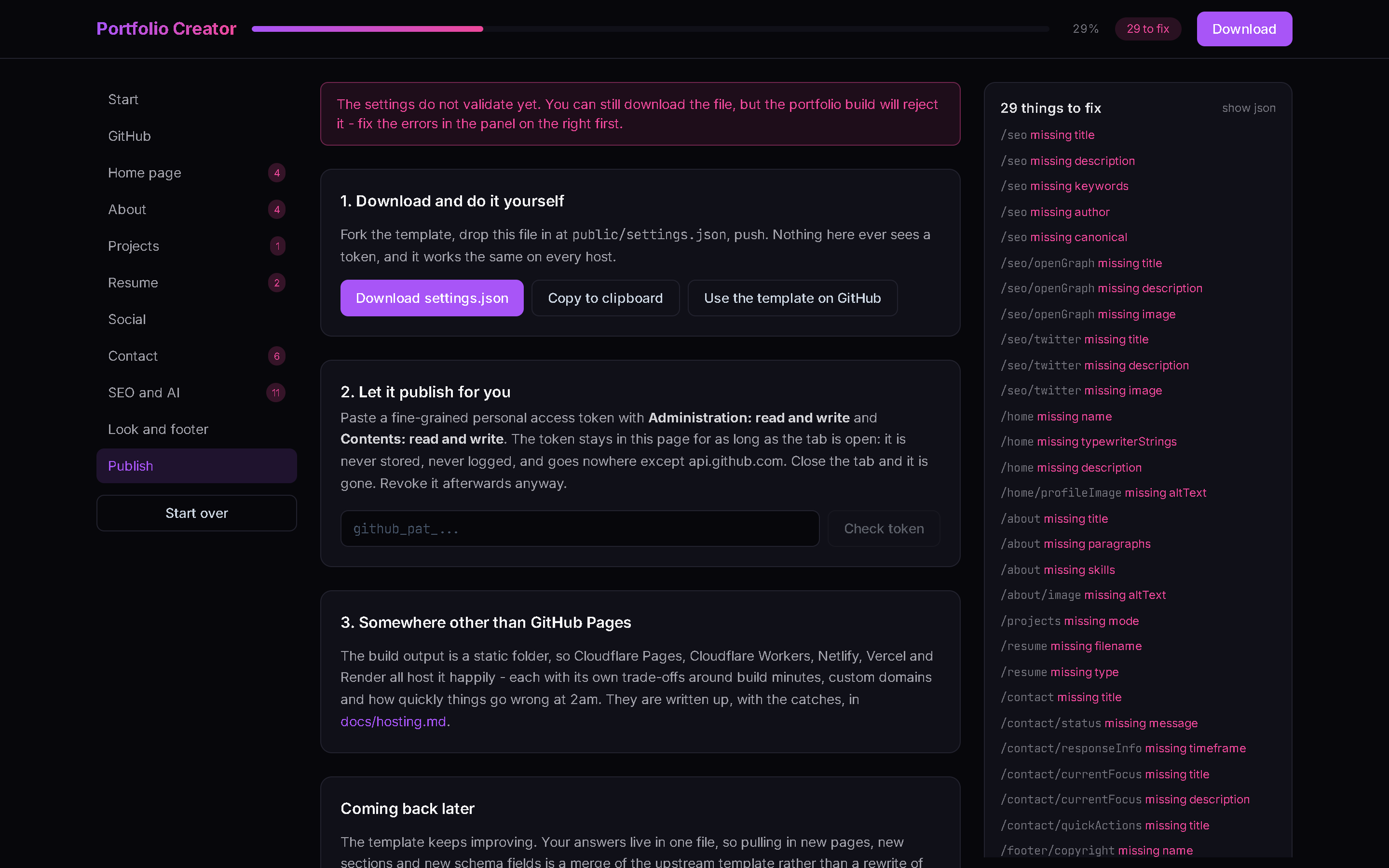
- ▸Three ways out: download the file, paste a scoped token and let it create the repository and enable Pages, or take the file to another host.
- ▸No hardcoded identity anywhere. The blank starter is derived from a real portfolio with the owner stripped, and the derivation fails if one trace survives.
Screenshots
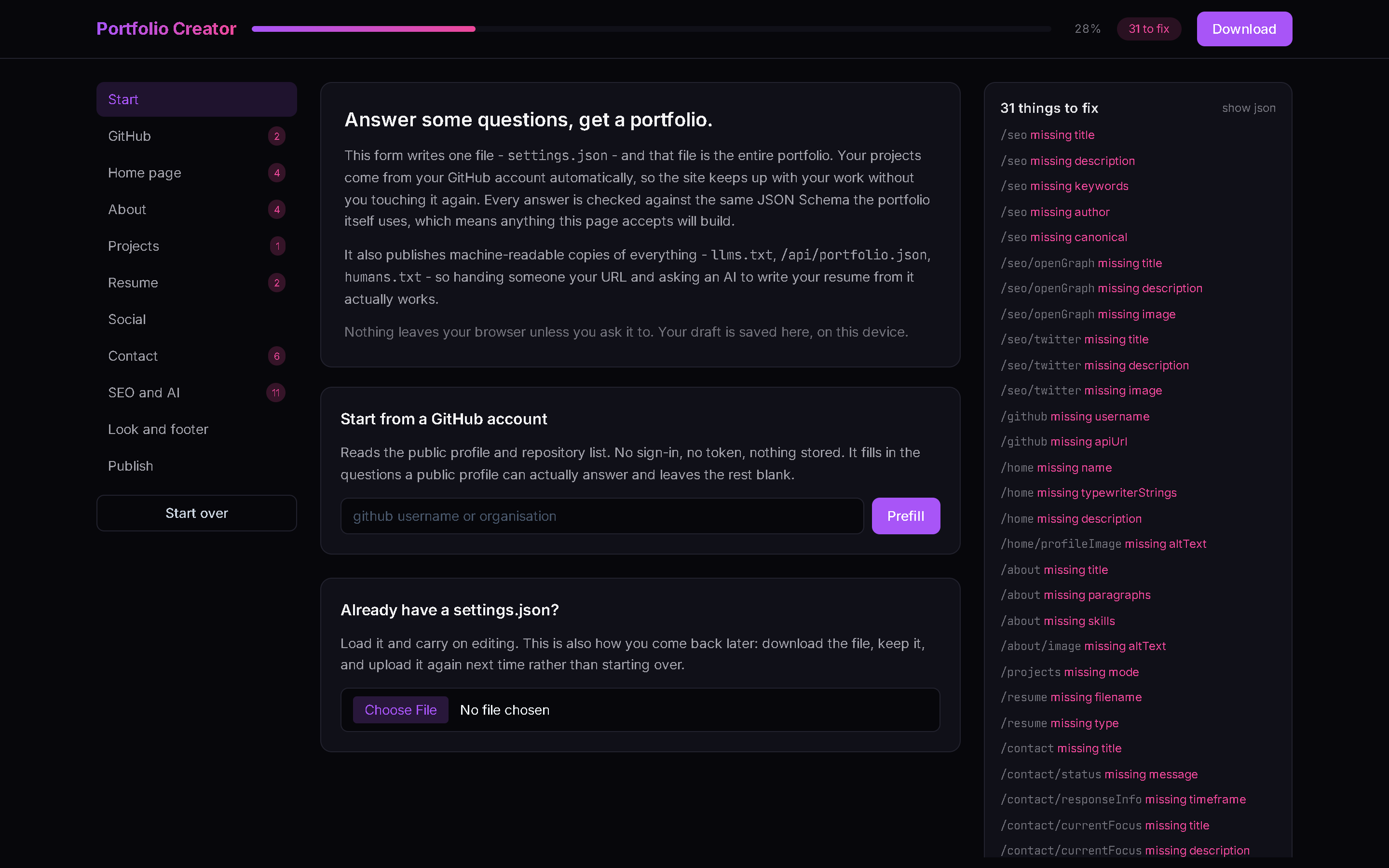
From the README
Portfolio Creator
Fill in a form, get a portfolio.
This is a guided form that writes one file — settings.json — and that file is
the entire portfolio. Everything else is already built: pages, routing, dark
mode, animations, an SEO head, a sitemap, and a project list that reads itself
out of your GitHub account so the site keeps up with your work without you
touching it again.
It runs entirely in your browser. There is no backend, no account, and no
database. The only network calls it makes are to api.github.com, and only
when you ask for them.
Which also means it works offline. Open it once and it keeps working with the network gone, reloads included — the only thing that needs a connection is publishing, at the end.
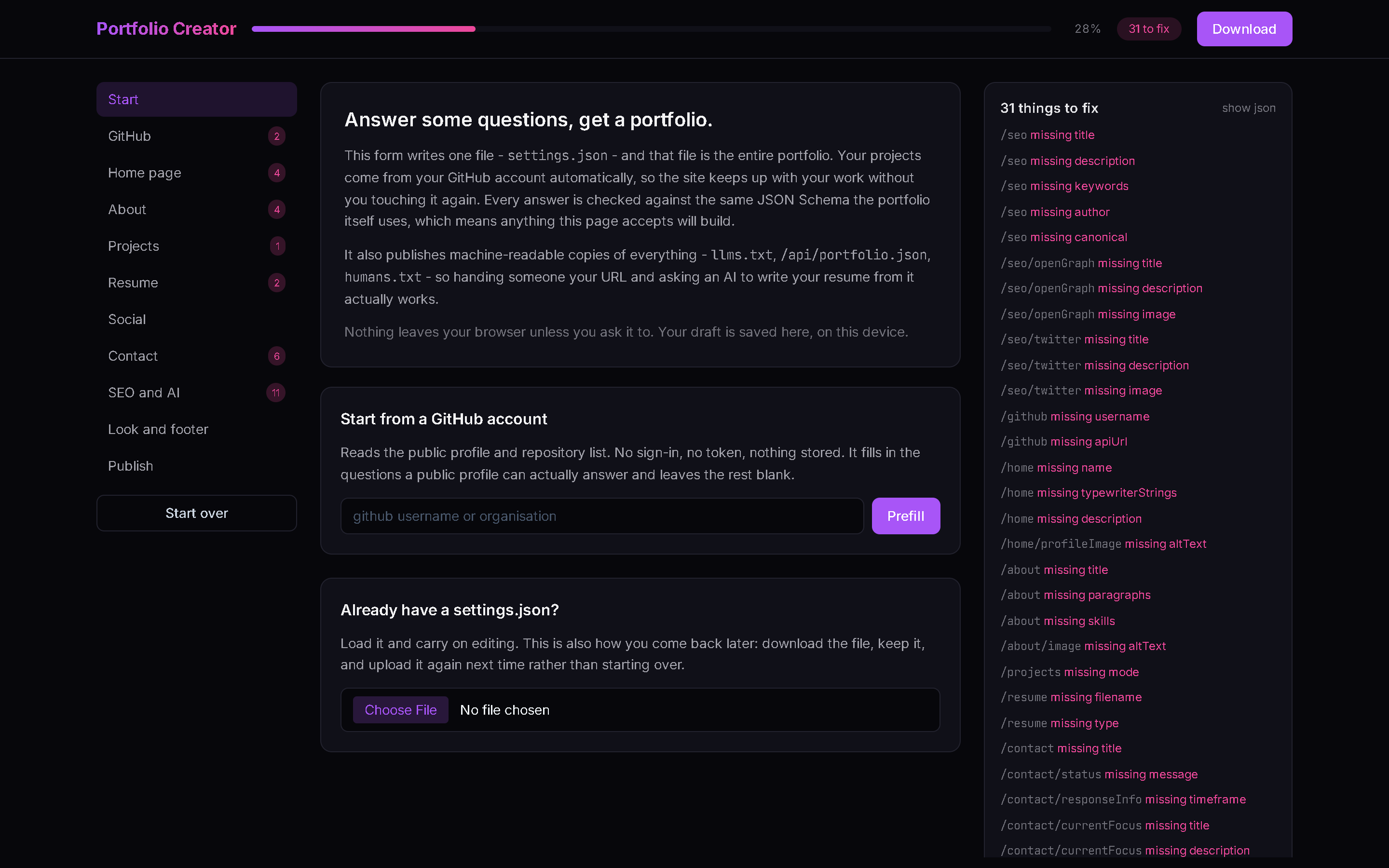
More of it
Answering a section. Every question is one key in settings.json; the panel
on the right is the schema's opinion of your answers, updating as you type.
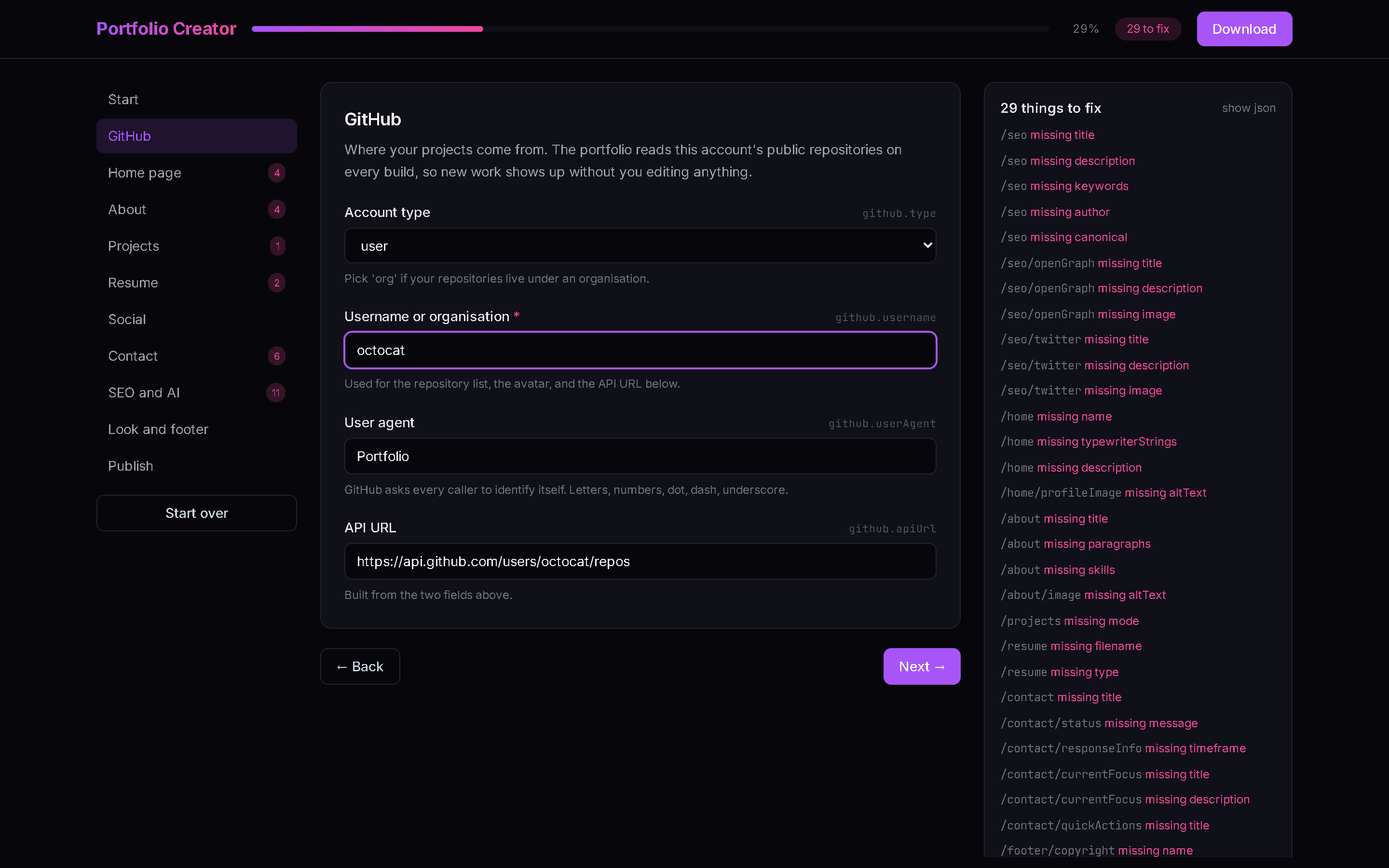
SEO and AI. Three switches decide who may read the site: search engines, AI training crawlers, and the machine-readable copies of your data.
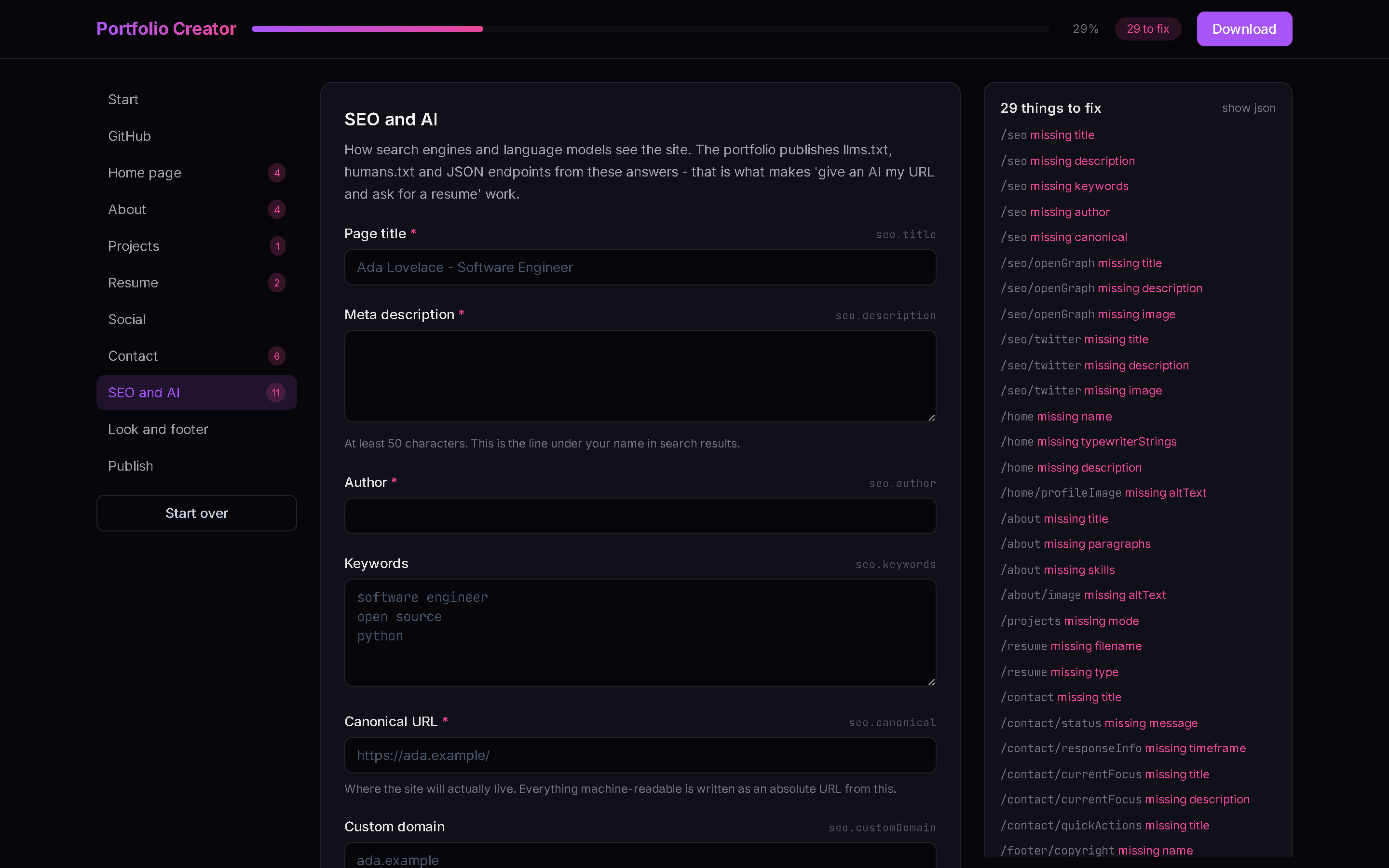
Publishing. Download it, let a token do it, or take the file somewhere else entirely.
Why a form and not a template to edit
A template you edit by hand goes stale. You change a colour, the upstream adds a page, and now merging is a chore you will not do — so you do not, and the site quietly rots.
Here your answers live in one file that nothing else touches. Pulling in new pages, new sections and new schema fields is a merge of the template rather than a rewrite of your site. Come back to this form later and it will show you the new questions.
The form is checked against the same JSON Schema the portfolio itself uses,
split across public/schemas/settings/. There is no second set of rules to
drift out of sync: if this page accepts your answers, the portfolio will build.
Those files are a copy, so keeping them a faithful copy is a command rather than a habit — see syncing the schema.
What you get
- Projects that update themselves. The portfolio reads your public repositories at build time. Push something new and it appears.
- A résumé an AI can read. The build publishes
llms.txt,humans.txtand/api/portfolio.json,/api/projects.json,/api/about.json,/api/contact.json. Hand someone your URL, ask a model to write your résumé from it, and there is something real for it to read — not scraped HTML. - Crawling you control. Three switches: search engines, AI training
crawlers, and the machine-readable data above. Off means off, written into
robots.txt. - A copy-this-page button, so a visitor can take your whole portfolio as Markdown in one click.
- No hardcoded anybody. Every piece of identity on the site comes from
settings.json. The starter this form begins from is derived from a real portfolio with the owner stripped out — and the derivation script fails if a single trace survives.
Three ways to publish
- Download and do it yourself. Fork the template, drop
settings.jsonintopublic/, push. No token, works everywhere. - Let it publish for you. Paste a fine-grained personal access token; it
creates the repository, commits your settings and turns on Pages. The token
lives in the page for as long as the tab is open — never stored, never
logged, never sent anywhere but
api.github.com. - Somewhere other than GitHub. See docs/hosting.md for GitHub Pages, Cloudflare Pages, Cloudflare Workers, Netlify, Vercel and Render, with the trade-offs that actually matter.
Why there is no "Sign in with GitHub" button
A browser-only OAuth flow cannot complete against github.com — the token endpoint sends no CORS headers, and no amount of client-side code gets around that. The honest options are a token you paste, or a small server doing the exchange. A Cloudflare Worker is about thirty lines and is written up in the hosting doc; until that exists, a scoped token you revoke afterwards is strictly safer than a long-lived OAuth grant anyway.
Running it locally
npm install
npm run dev
| Script | What it does |
|---|---|
npm run dev | Vite dev server |
npm run build | Builds to dist/, then writes robots.txt, sitemap.xml, humans.txt, the web app manifest and the service worker |
npm run preview | Serves the built output |
npm run lint | ESLint |
npm run sync:schema | Copies the portfolio's JSON Schema into public/ |
npm run derive:starter | Regenerates src/data/starter.json from a real settings.json |
Two environment variables matter at build time: BASE_PATH (for a project-page
subpath, e.g. /portfolio-creator/) and SITE_URL (what the sitemap
advertises). The Pages workflow sets both.
How it is put together
src/data/steps.js       the form, as data: steps → fields → dotted paths
src/data/starter.json   a blank, schema-valid settings.json (generated)
src/lib/schema.js       Ajv over the portfolio's own split schema
src/lib/settings.js     get/set by dotted path, export formats
src/lib/github.js       api.github.com, client-side only
src/lib/derive.js       fields worked out rather than asked about twice
src/components/         generic renderers — nothing knows what a field means
scripts/sync-schema.js     copies the portfolio's schema into public/
scripts/derive-starter.js  regenerates the starter from a real settings.json
scripts/generate-seo.js    post-build crawlable files and the web app manifest
scripts/generate-sw.js     post-build service worker, from sw-template.js
Adding a question to the form is adding an entry to steps.js. The renderers
are generic and the schema is the validator, so there is nothing else to
change.
Syncing the schema
npm run sync:schema            # assumes ../VKrishna04.github.io
npm run sync:schema -- <path>  # or point it at the checkout
The schema lives in the portfolio; this repository holds a copy so the form can
validate offline. Copying it across by hand is how three drifts got in — a
missing navigation.schema.json, a technology-name pattern that rejected
C++, and a projects section without tier, order or packages. Each made
this form disagree with the portfolio about a file the portfolio would happily
build. Run this whenever the schema upstream moves, then regenerate the starter
and commit both.
Regenerating the starter
npm run derive:starter
It keeps the structure and every styling default, empties what carries a person, deletes keys that cannot legally be blank (rather than inventing a placeholder), and then sweeps the result for any trace of the source portfolio's owner. It exits non-zero if it finds one, or if a remaining gap is not a question the form actually asks.
Regenerating the share card
public/og.png is the 1200×630 card that appears when the link is pasted into
Slack, Discord or X. Its source is scripts/og.html — edit the words there and
screenshot it at exactly 1200×630. The screenshots above are the app itself at
1440×900, taken with a headless browser; nothing about either is load-bearing,
so a stale one costs you nothing but a slightly old picture.
Credits
Designed & built by Krishna GSVV.
Built on the portfolio template — see one live.
Licensed under Apache 2.0. Attribution is required by the template's NOTICE
under Apache License 2.0 section 4(d): keep the credit, and the rest is yours
to change.
Sister projects worth switching on: CodeLedger for DSA practice statistics, and CounterAPI for a visitor count that does not track anyone.